Getting Started
Turn the APIs and knowledge you already have into a conversational AI agent.
What is Tuix AI Agents?
Tuix AI Agents turns the systems you already run into an AI agent your users can talk to. You write the agent's instructions, connect a knowledge base if it needs one, and point it at your own API documentation. From that documentation the platform works out which actions the agent can take, so your endpoints become things the agent can actually do.
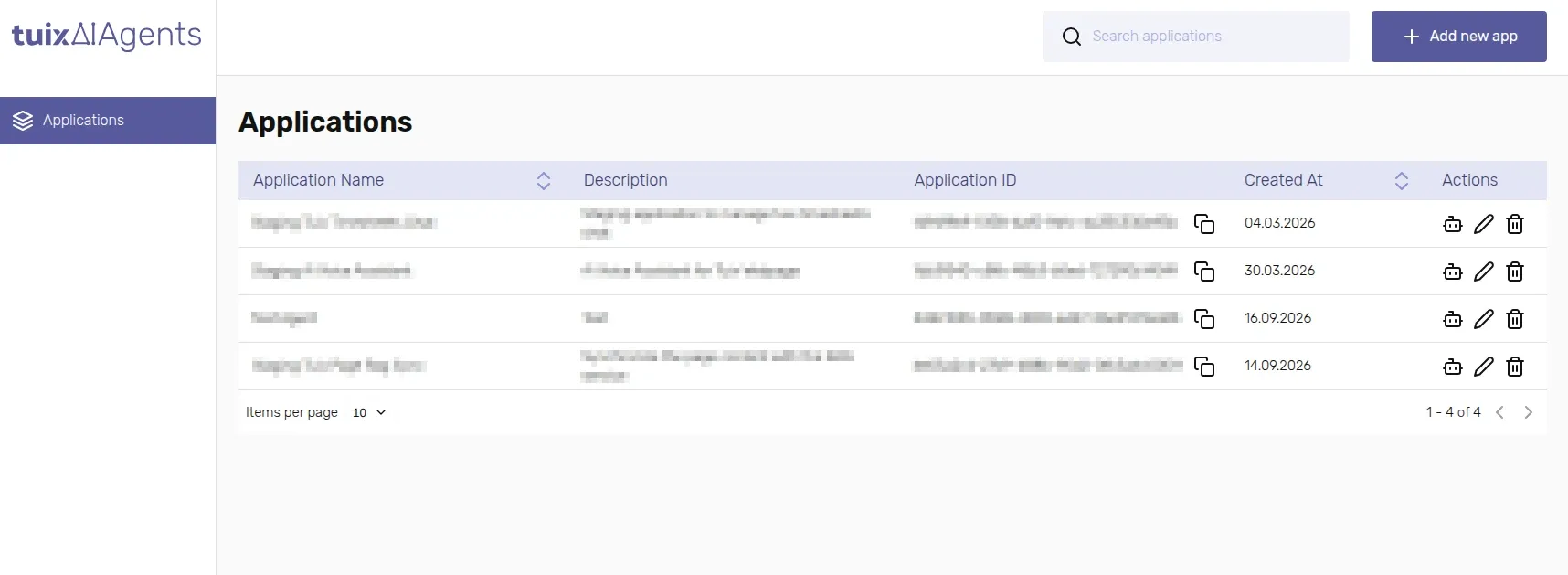
Each application you create in the dashboard is one agent. It has its own prompt, knowledge, connected APIs, and chat endpoints, so you can run several independent agents from the same account.
Before you can chat with your agent
Create an account and open the dashboard.
Create an application. Every agent lives inside one.
Configure the agent: write its prompt and initial message, connect a knowledge base if it should answer from your documents, and generate or attach an MCP server if it should call your own APIs.
If your chat won't carry a signed-in user's own credential, create an API key to authenticate with instead.
Grab the application's chat and session endpoints and start a conversation.