Generate from OpenAPI
Turn your API's OpenAPI document into a working MCP server, one tool per endpoint.
Instead of hand-writing an MCP server, point Tuix AI Agents at your API's public OpenAPI (Swagger) document. The platform reads it and generates a real, deployed MCP server, with one tool per endpoint you mark, that connects automatically to your application's agent once it is ready.
What you need
- A publicly reachable OpenAPI document, in JSON format.
- The endpoints you want the agent to use, marked with
x-mcp: true.
Mark the endpoints to expose
Add x-mcp: true to every operation that should become a tool:
For an operation marked this way, the generator will:
- Generate a tool named after its
operationId, converted to snake_case, e.g.getEmployees→get_employees. - Include every query and path parameter, and every request body field, as a tool input.
Header and cookie parameters are not currently turned into tool inputs.
If an endpoint needs one, expose it through a query parameter or the
request body instead, or handle it through the security mapping below.
Protect the tool with your own auth
Add a security requirement to an operation to have the generated server
require and forward an Authorization header for it:
With security present, a call to this tool without an Authorization
header is rejected before it ever reaches your API. See
Authorization for exactly how this is
enforced and forwarded.
Role management
Add x-role to an operation to tag its tool with one or more roles:
The roles end up in the generated tool's _meta field, the standard place
an MCP tool carries metadata, so any client listing tools can read which
roles a tool is meant for:
x-role is metadata, not access control: the MCP server itself doesn't
check it, and still calls your API exactly as configured for anyone who
calls the tool. Your Tuix agent is what reads this metadata to only
offer a caller the tools that match their role, see
Role scope.
Form data support
An operation isn't limited to a JSON body, multipart/form-data is
supported too, for endpoints that need it, typically a file upload:
Each property becomes a tool input, named after its property key, the same
rule as for a JSON body. A property marked "format": "binary" becomes a
file input: the tool documents it as expecting the file's contents
base64-encoded, since a JSON-RPC tool call has no way to carry raw binary.
A tool call is always plain JSON-RPC, end to end, whatever the underlying
endpoint expects. For a multipart/form-data operation, the generated
MCP server decodes the base64 value back to bytes and builds a real
multipart request on the hop to your API: non-file fields become form
fields, file fields become file parts, with the correct boundary and
Content-Type set automatically.
Generate the server
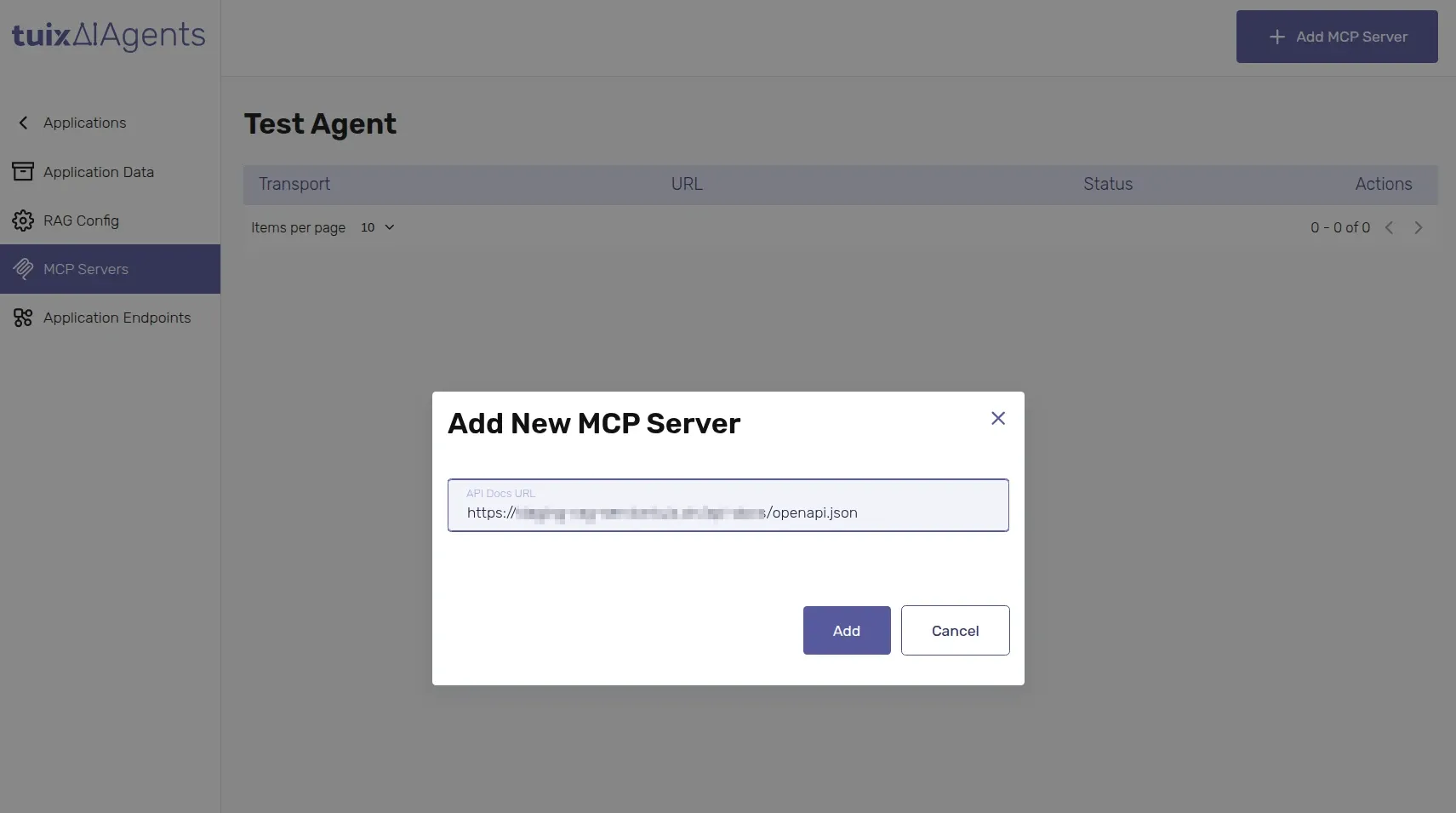
In the application's MCP Servers tab, click Add MCP Server and paste your OpenAPI document's URL.
Wait for the status to move from Generating to Deployed.
The result is a functional Streamable HTTP MCP server. It connects automatically to this application's agent, and can also be reached by external agents, see Connect with agent.
If generation fails, the server shows a Failed status and is destroyed automatically.
Restrictions
- Every tool generated from one document calls the same base URL: the origin of the OpenAPI document itself. All endpoints in one document are treated as belonging to the same service.
- Generating from an OpenAPI document URL you've already used doesn't create a second server: you get back the same, already-deployed one.